Group Alerts
Get notified instantly when someone mentions a keyword in your WhatsApp groups.
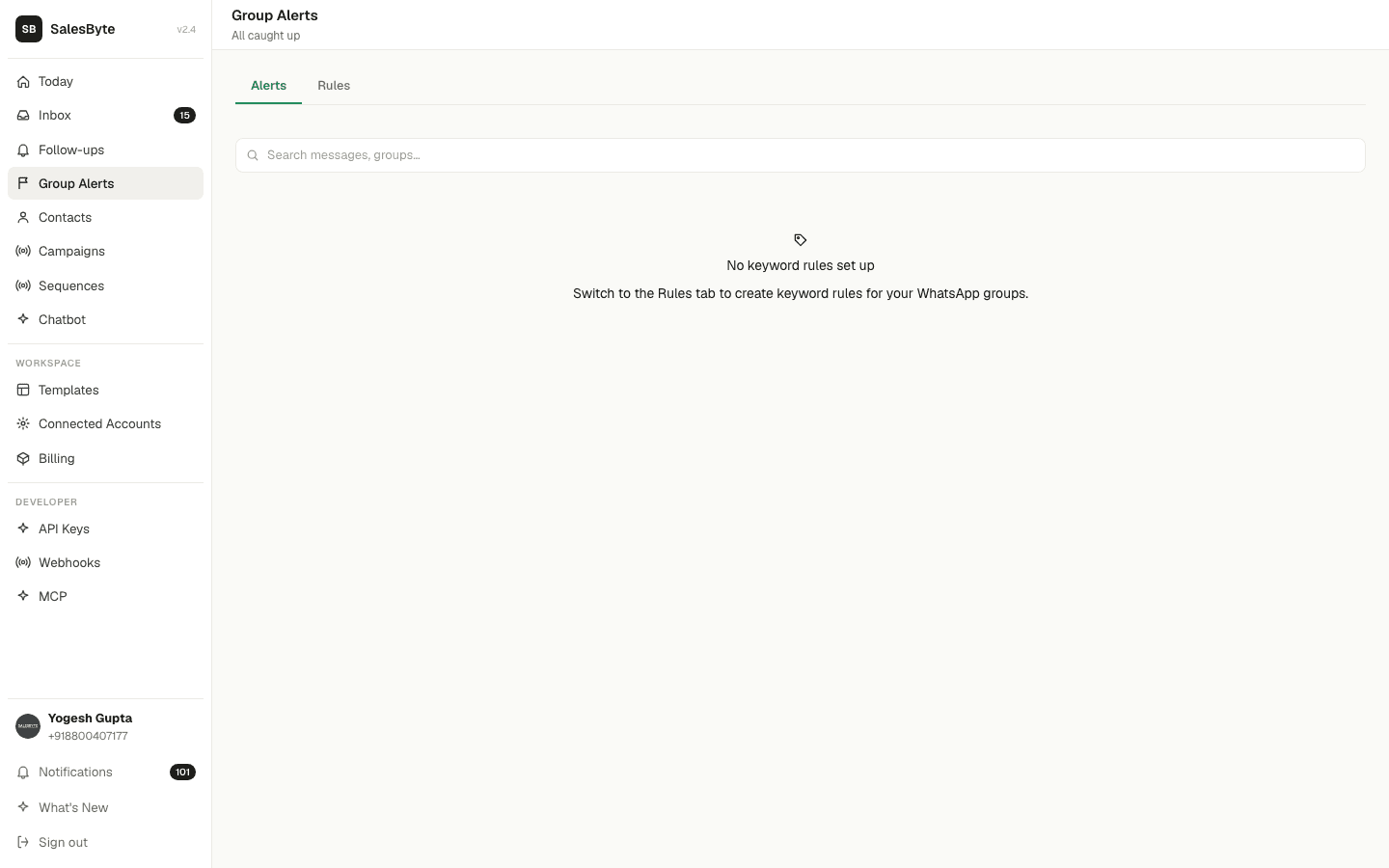
Group Alerts watch your WhatsApp groups for specific keywords and alert you the moment someone mentions them. Never miss a sales opportunity or complaint in a busy group.
🟢Personal WhatsApp
Group Alerts work with Personal WhatsApp only.
Set up a keyword rule
Go to Group Alerts → Rules tab → click New Rule.
Fill in:
- Rule name — e.g. "Price enquiries" or "Complaints"
- Keywords — the words to watch for (e.g.
price,how much,interested) - Match mode — how strictly to match:
- Contains — message includes the keyword anywhere
- Exact — message is only the keyword
- Starts with / Ends with — positional match
- Regex — advanced pattern matching
- Groups — watch all groups, or specific ones only
Click Save and the rule starts watching immediately.
View alerts
Go to Group Alerts → Alerts tab. Every time a keyword is matched, it shows up here with:
- The group name
- The sender's name
- The full message
- A link to open the conversation
Handle an alert
For each alert you can:
- Open conversation — jump straight to that group chat in your inbox
- Mark as handled — dismiss it once you've taken action
- Snooze — hide it for a few hours and come back to it
Get notified in real time
SalesByte also sends you a WhatsApp notification whenever a keyword match is found — so you can act immediately without checking the app.
Use cases
- Sales: Watch for "interested", "price", "how much" — catch every buyer signal
- Support: Watch for "issue", "problem", "not working" — respond before complaints escalate
- Competitors: Watch for competitor names — know when they come up in conversation
- Leads: Watch for "refer", "recommendation" — catch warm referrals instantly