Sequences
Automatically send a series of messages over days or weeks — without lifting a finger.
A sequence is a set of messages sent to a contact automatically, one after another, with delays in between. Once you set it up, SalesByte handles the sending for you.
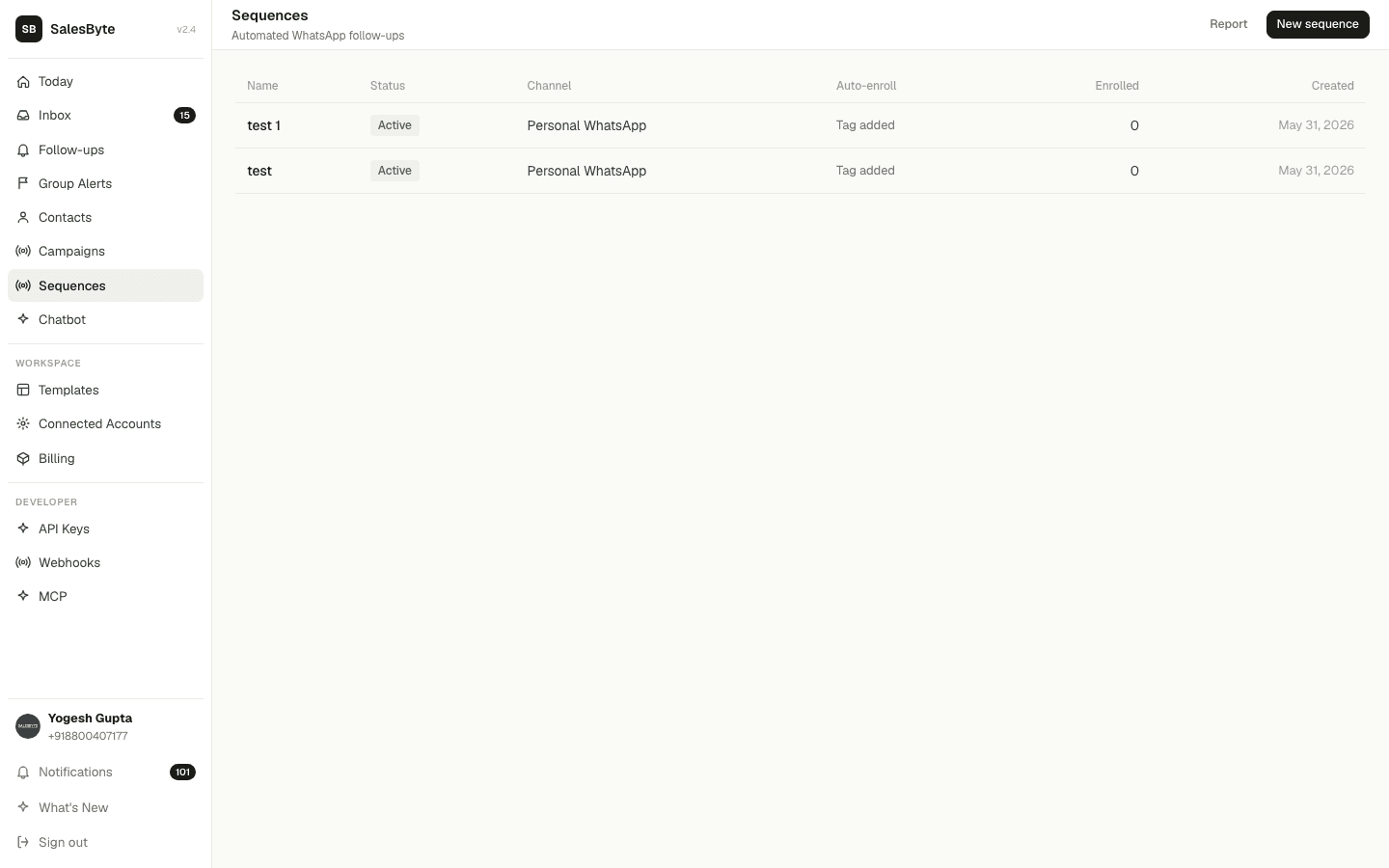
Example: When someone enquires about your product, enroll them in a 5-message sequence:
- Day 0 → "Thanks for your interest! Here's what we offer..."
- Day 2 → "Did you get a chance to look at our options?"
- Day 5 → "Quick question — what's holding you back?"
- Day 10 → "We have a special offer for you this week only..."
- Day 14 → "Last chance to grab the offer!"
All sent automatically. You just focus on the replies.
Create a Sequence
Build your first automated message sequence.
Auto-enroll Triggers
Enroll contacts automatically based on tags or status changes.
Key concepts
- Steps — each message in the sequence, with a delay before it's sent
- Enrollments — one per contact; tracks which step they're on
- Triggers — rules that auto-enroll contacts when something happens
- Send window — restrict sends to business hours only (e.g. 9 AM – 6 PM)